Back to Selected WorkJudicaid

Case Study

Judicaid product demo video

A design-led product walkthrough for a legal-tech mediation platform, built to explain the user value first, then guide viewers through the product with calm, credible pacing.

ClientJudicaid

DeliverableProduct demo video for web and YouTube

RoleStrategy, design, motion, edit, voiceover, sound

Client Challenge

Make AI-guided mediation feel approachable, private, and worth starting.

Judicaid needed a polished video that could explain the value of its guided online mediation platform, show how the product works, and encourage viewers to open an account and start a case.

The source material included the product flow, planning notes, stakeholder direction, and a rough walkthrough. We shaped it into a cleaner product story where each screen had a job: build trust, explain the next action, or show the value users receive.

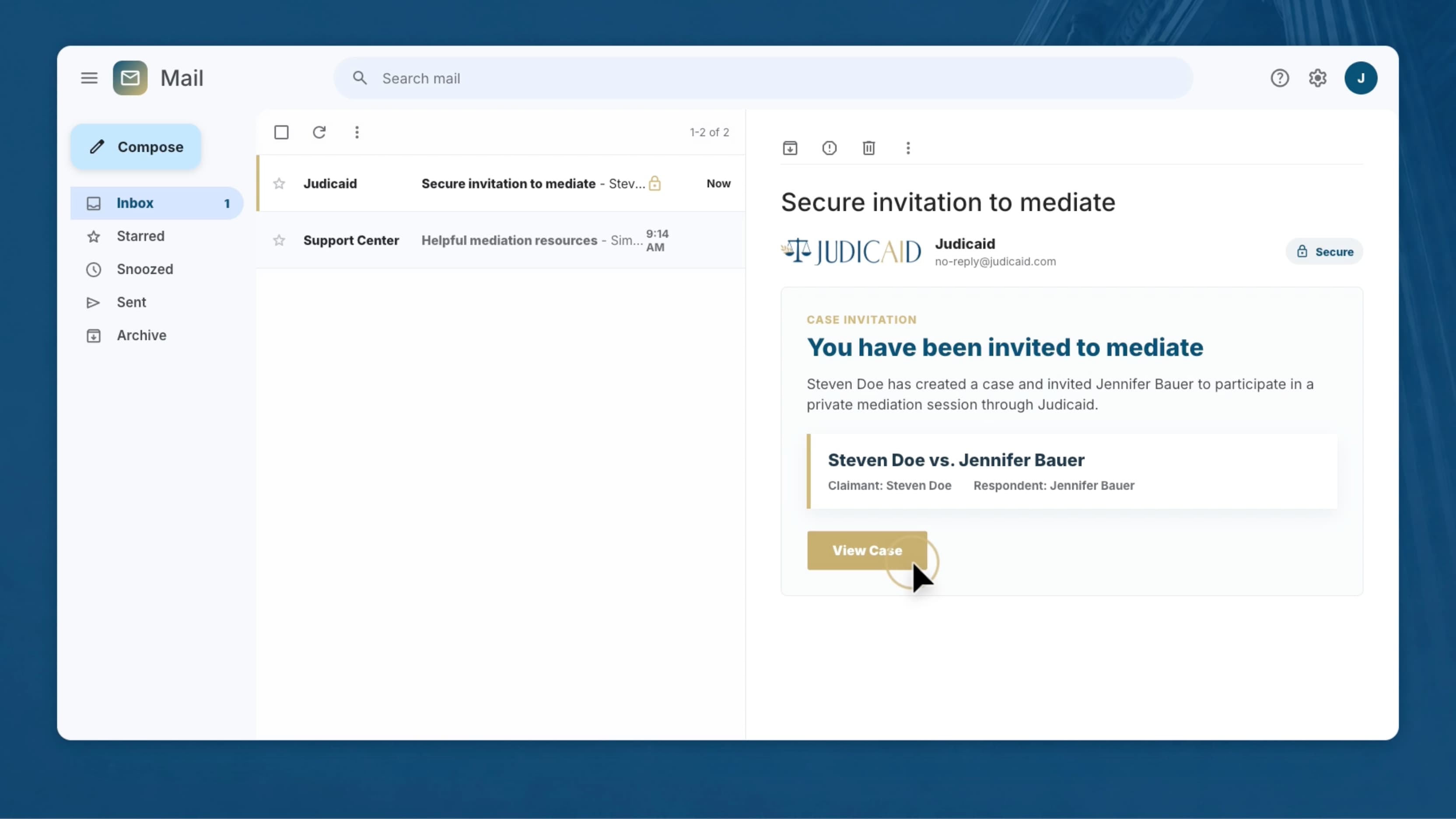
Judicaid secure invitation email frame used in the product demo

Story Strategy

The video had to sell clarity before it could explain the workflow.

Lead with relief

The opening needed to frame Judicaid as a simpler, lower-stress alternative to lawsuits before asking viewers to learn a new product.


Make access tangible

Desktop, mobile, 24/7 access, and privacy were pulled forward as user benefits, not buried as feature details.

Show a guided path

The walkthrough moves from account setup to case creation, secure invitation, mediation, and agreement so the viewer always knows where they are.

Keep trust visible

Legal-tech buyers need calm cues: clean UI framing, measured pacing, restrained motion, clear labels, and founder proof.
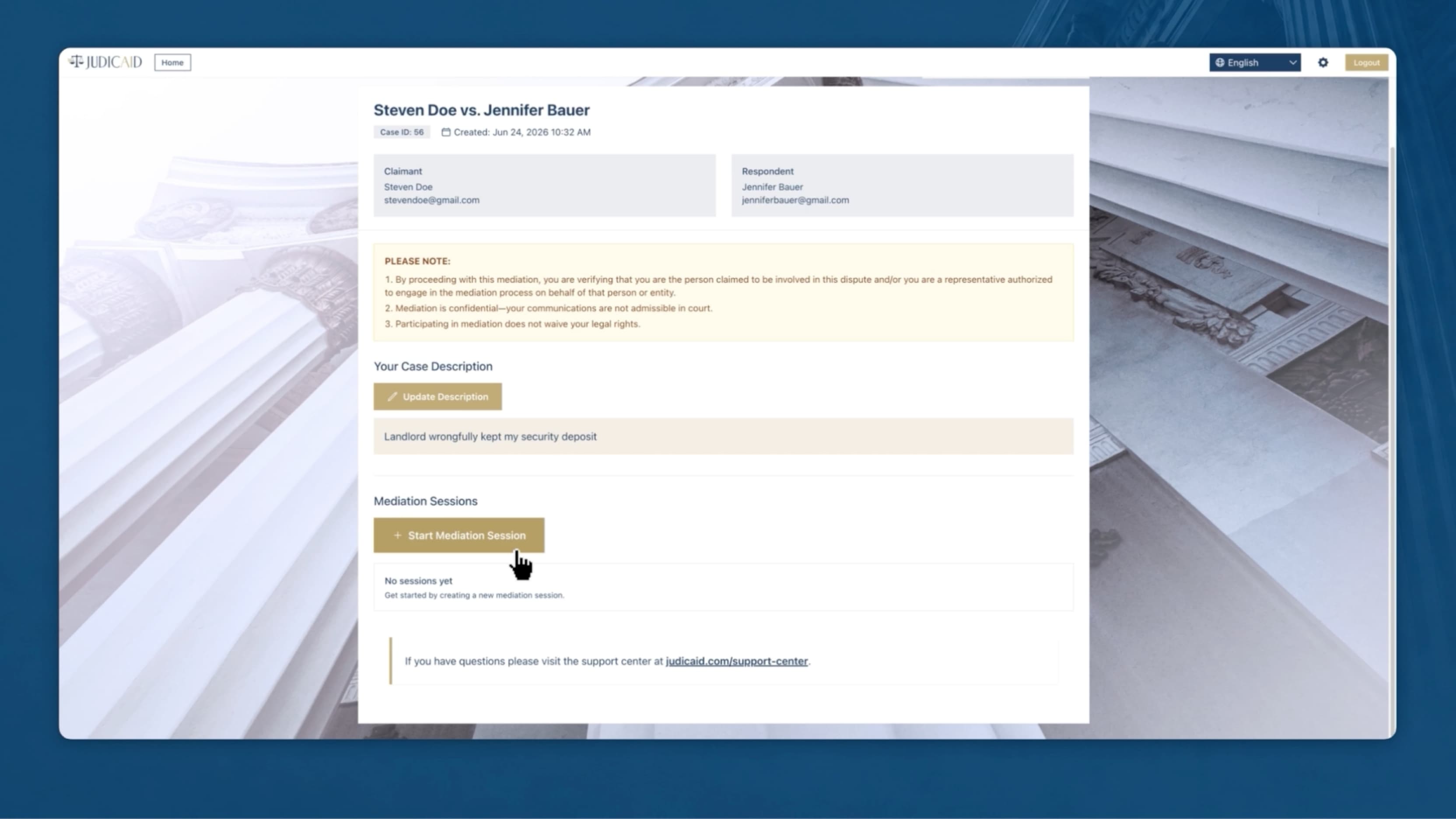
Judicaid case detail screen with start mediation session button

What We Directed

  • Value-led script structure
  • Product flow audit
  • Storyboard and pacing plan
  • Recreated screencast polish
  • Motion graphics and callouts
  • Voiceover, music, and sound design
  • Founder proof integration

Production Approach

The work was structured around one idea: make the value clear before the product asks for attention.

Planning

Clarified the audience, value promise, legal-tech trust concerns, product flow, CTA, and the assets needed to produce the walkthrough.

Design

Built a calm visual system around teal, muted gold, clean title cards, UI-first framing, and clear value moments.

Production

Rebuilt the demo path with stronger pacing, cleaner screen framing, voiceover, motion, sound, and final edit polish.

Directed Moments
Each visual choice helped the viewer understand why the product matters.

Judicaid desktop mobile 24/7 access and private confidential benefits frame
Value Driven IntroThis frame was custom designed to lead with what customers receive: flexible access, privacy, and a calmer path to resolution before the walkthrough asks them to follow product steps.
Judicaid secure invitation email frame from the product demo
Secure InvitationThe invitation email turns the product promise into a familiar action. It shows the other party receiving a clear, secure path into mediation instead of a confusing legal process.
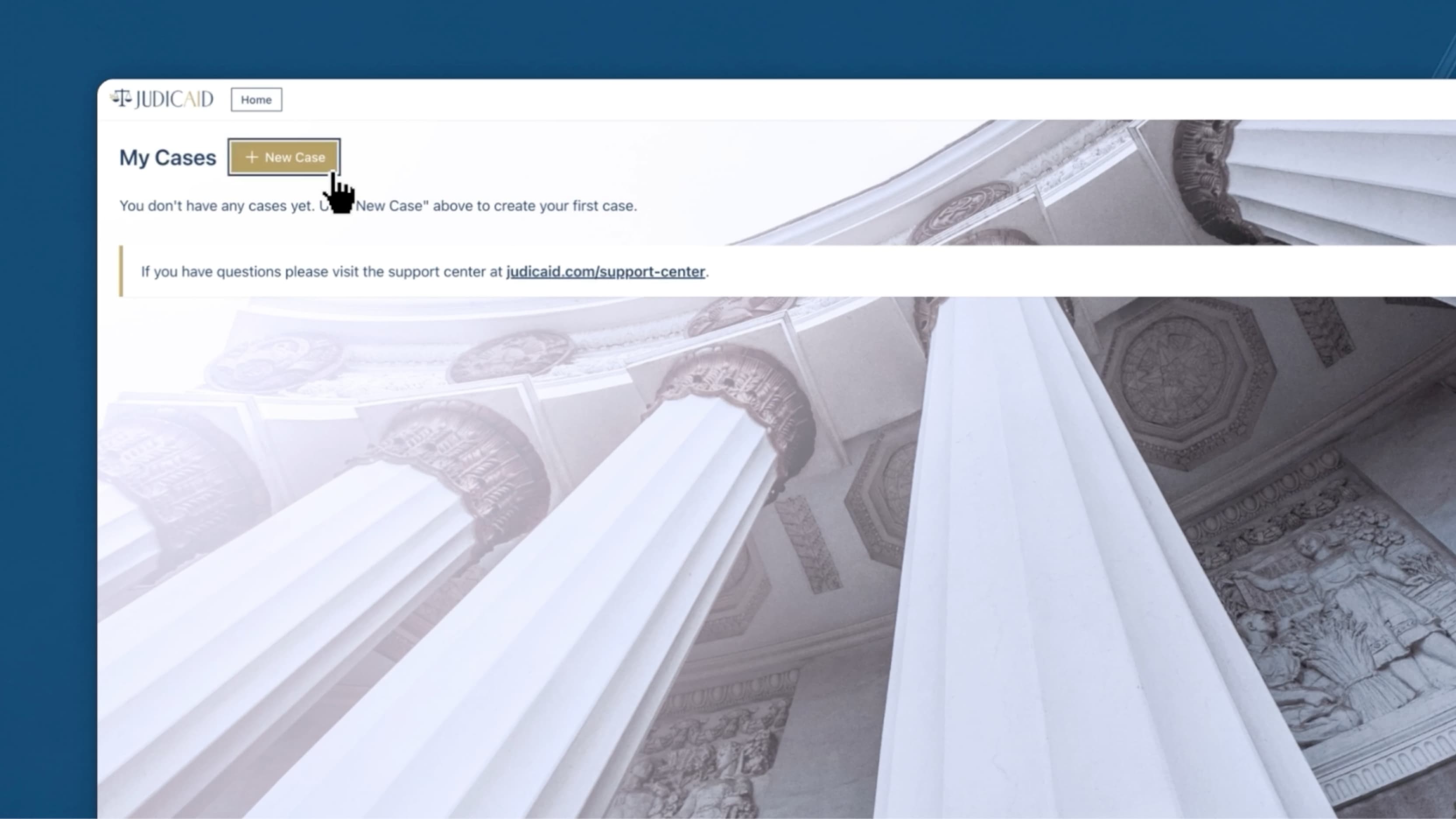
Judicaid my cases screen with the new case callout
New Case FlowThe setup sequence was paced around the key fields a user needs to understand. The goal was to make starting a case feel achievable, not administrative.
Judicaid case detail screen with start mediation session button
Case Detail ScreenThis moment orients viewers around the parties, the dispute, and the next step. It gives the product structure before moving into the mediation experience.
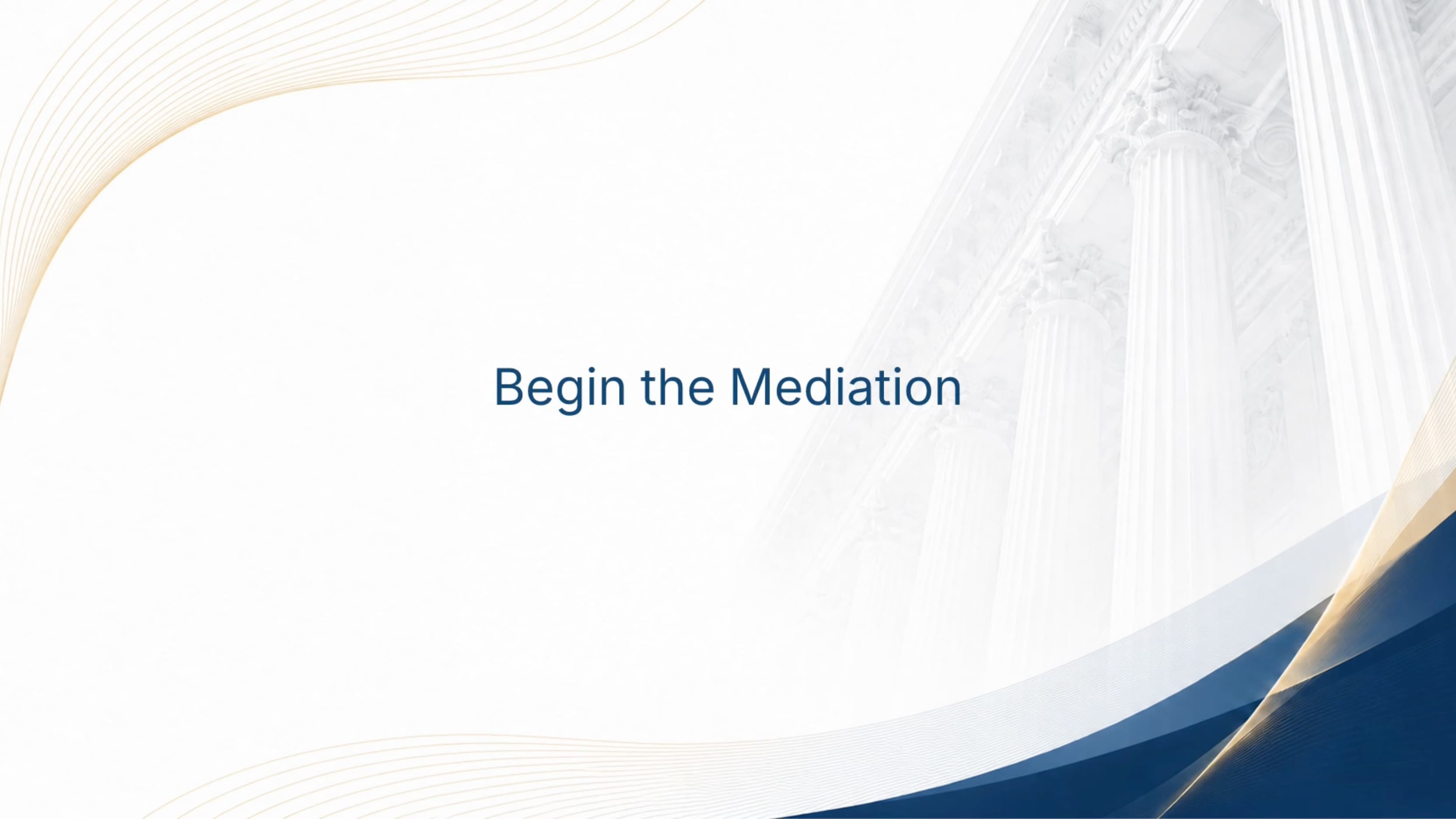
Judicaid Begin the Mediation title card
Guided Chapter BreakThe chapter card gives the video breathing room and makes the transition into mediation feel intentional. It helps a longer workflow feel guided rather than dense.
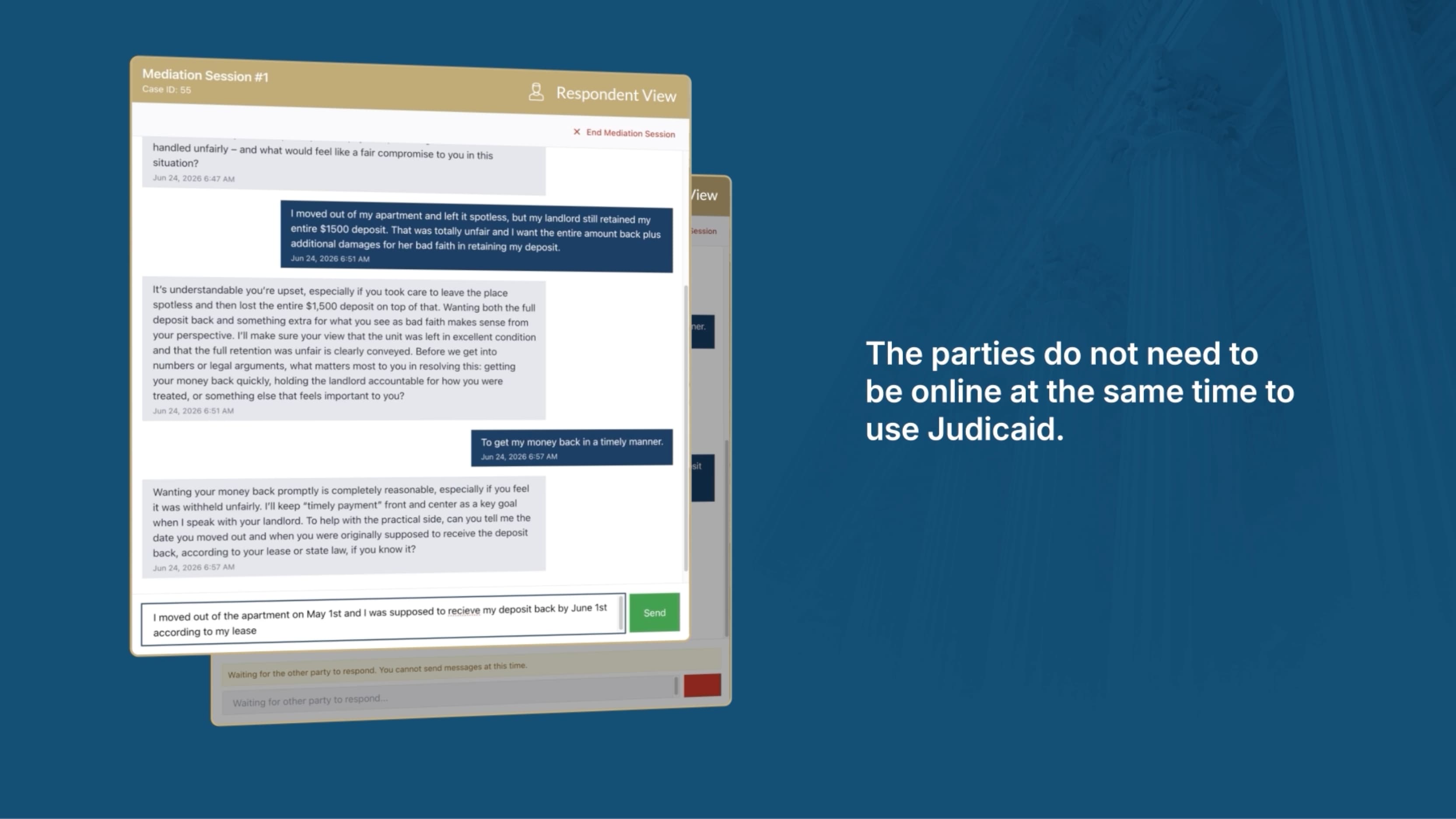
Judicaid mediation session screen explaining asynchronous mediation
Async Mediation MessageJudicaid's strongest product difference needed its own beat: people do not need to be online at the same time to work toward resolution.
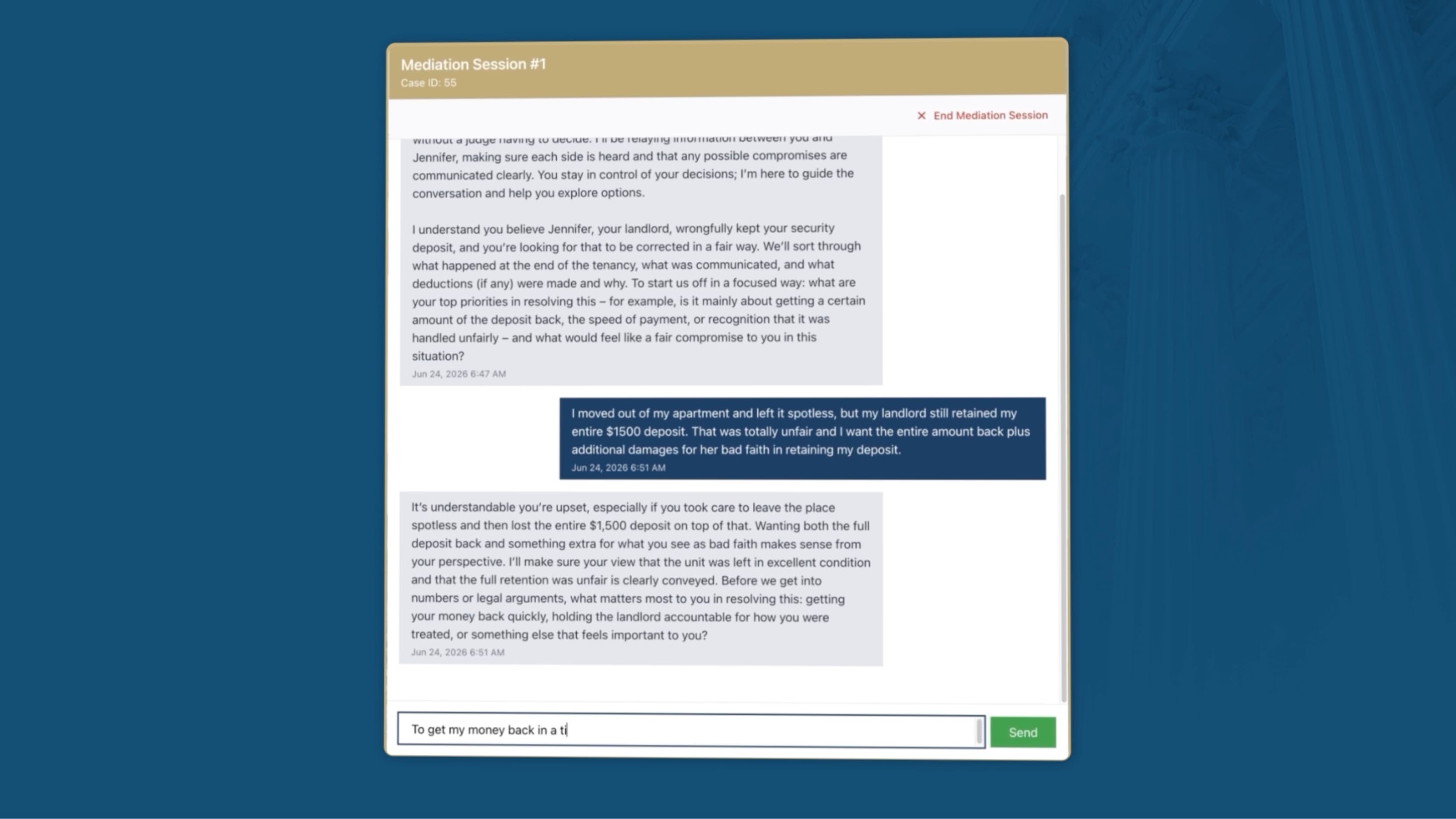
Judicaid mediation chat screen from the walkthrough
Mediation Session UIThe walkthrough shows how the mediator gathers context, asks follow-up questions, and keeps each party's perspective private while the process moves forward.
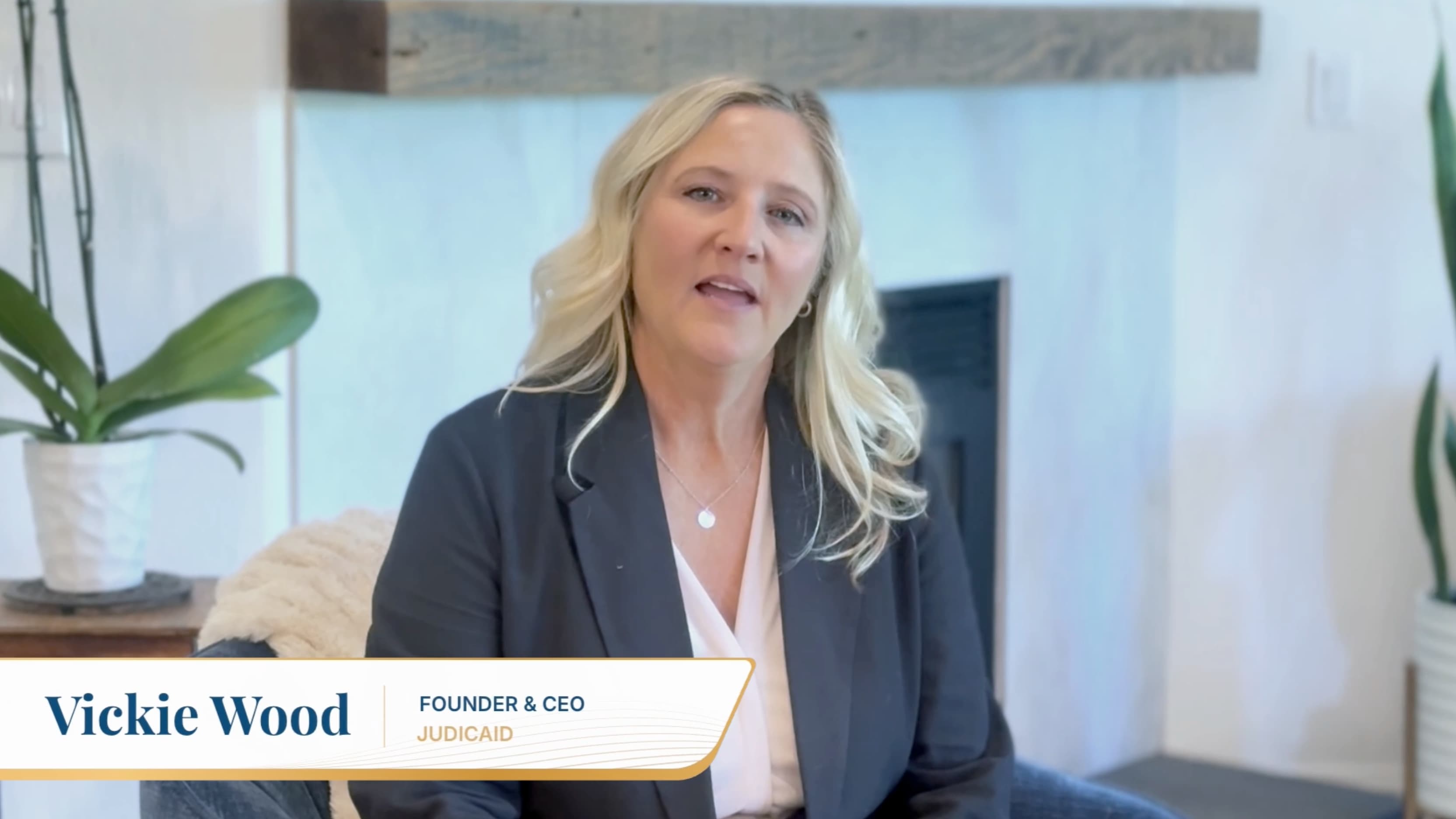
Vickie Wood interview frame with Judicaid lower third
Founder ProofThe founder clip adds a human layer after the product story. The lower third keeps the testimonial polished and connected to the Judicaid brand system.
Judicaid closing call to action frame
Closing CTAThe ending returns to the brand and gives viewers a direct next step, so the demo closes with action instead of drifting out after the screen recording.

Result

A rough product flow became a calm, credible demo.

The finished piece positions Judicaid as a structured bridge from dispute to conversation to signed agreement, while keeping the UI visible and the viewer focused on the next step.